
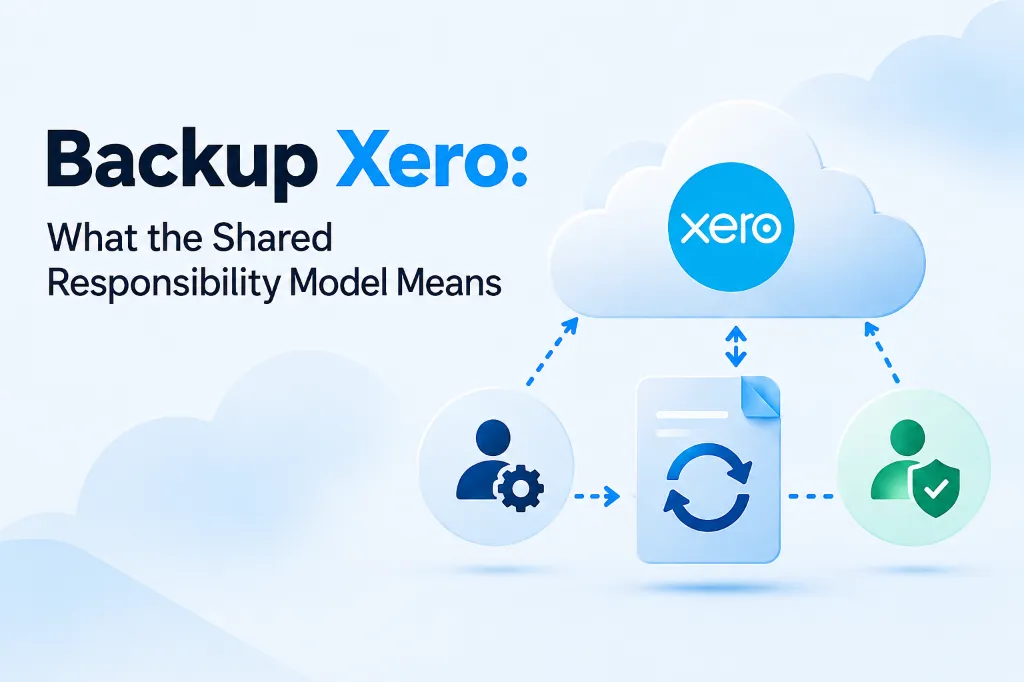
If you assume Xero keeps a full backup of your data and can restore it whenever you need, you are not alone. Most accountants and bookkeepers make that assumption. It is also wrong.
Xero, like most cloud platforms, operates under a shared responsibility model. Xero is responsible for keeping the platform running, maintaining uptime, and securing the infrastructure. You are responsible for the data inside your organisation. If transactions get deleted, if a third-party app sync overwrites your records, or if a subscription lapses and data is purged, Xero will not restore your specific files.
This distinction matters more than most firms realise. Understanding it is the first step toward putting a proper Xero backup and recovery plan in place.
What Is the Shared Responsibility Model?
The shared responsibility model splits security and data obligations between a cloud provider and its users. It is standard across cloud computing. AWS, Microsoft, Xero, and QuickBooks Online all use it.
Here is how the split works in practice:
- Xero's responsibility: Platform availability, infrastructure security, encryption in transit, application-level patching.
- Your responsibility: Protecting the data you enter, maintaining access controls, keeping copies of your organisation data, and recovering from user-level errors or third-party disruptions.
Xero's terms of service make this explicit. Data protection is the user's responsibility. Xero does not offer point-in-time restoration of individual organisation data.
If you are running a practice with dozens or hundreds of client organisations, that gap between what the platform protects and what you need protected is significant.
Real-World Scenarios Where Xero Backup Saves You
Accidental Deletion
A staff member deletes a batch of reconciled transactions. Xero has no "undo" for bulk deletions and no recycle bin for transactions. Without an independent Xero backup, your only option is to re-enter everything manually from source documents (if you still have them).
Third-Party App Sync Overwrites
Most Xero organisations connect to at least one third-party app. When a sync goes wrong, it can overwrite existing records, duplicate entries, or push incorrect data into your chart of accounts. The app vendor will point you to Xero. Xero will point you back. Neither will restore the data to its pre-sync state.
A proper backup for Xero organisations gives you a snapshot from before the sync error occurred.
Subscription Lapse
If a Xero subscription is cancelled or lapses, Xero may purge the organisation's data after a retention period. The same risk applies during client transitions, when an outgoing accountant cancels the subscription before the incoming firm has secured access.
Once that data is gone, it is gone. This is exactly the kind of Xero disaster recovery scenario that catches firms off guard.
Staff or Client Errors
Someone changes the GST/HST settings on a batch of transactions. A client with advisor access edits records they should not have touched. A year-end adjustment gets applied to the wrong period. None of these are platform failures. They fall squarely on your side of the shared responsibility line.
Why "Xero Is in the Cloud" Is Not a Backup Strategy
Cloud hosting protects against hardware failure and data centre outages. It does not protect against human error, application-level data corruption, or third-party integration issues.
Xero replicates data across its infrastructure for availability purposes. That replication keeps the platform online. It does not give you the ability to roll back your organisation to a specific point in time.
A genuine Xero backup solution needs to:
- Capture daily snapshots of your organisation data independently of Xero's infrastructure
- Store those snapshots separately from the platform
- Allow you to restore to a specific point in time without overwriting live data
- Retain backups long enough to catch problems not discovered immediately
If your current approach to backup vs disaster recovery for Xero is "we trust the cloud," you have a gap.
How WOW Backup and Restore Closes the Gap
WOW Backup and Restore by Wowzer Technologies was built specifically to address the Xero backup and disaster recovery gap for accounting firms.
WOW Connect (Automated Daily Backups)
- $9.95 USD/month per active organisation. First two active orgs are free indefinitely.
- Automated daily Xero backups with no manual intervention required.
- Default retention is 7 days rolling, extendable to 30, 60, or 90 days.
- Regional AWS storage in Australia, Canada, or the United States.
- OAuth-only authentication with mandatory 2FA.
WOW Vault (Cold Storage)
- $2.49 USD/month per inactive organisation.
- For client organisations you are no longer actively managing but still need to retain.
- Keeps a full Xero backup accessible without maintaining an active subscription.
WOW Restore (Point-in-Time Recovery)
- $149.95 USD one-time per file.
- Restores to a new Xero organisation. Never overwrites live data.
- Typical turnaround is 1 to 3 hours.
Free Trial
Every organisation gets 1 month free plus 1 free restore coupon. Combined with the first two active orgs being free indefinitely, you can test the full Xero backup software without financial risk.
What This Means for Your Practice
The shared responsibility model is not going away. For accounting firms, the practical takeaway is straightforward: if you do not have an independent backup and recovery Xero solution in place, you are accepting a level of risk that most professional standards would consider unacceptable.
Backing up Xero files is not complicated. It does not need to be expensive. But it does need to happen before something goes wrong.
Start a free trial at: wowbackupandrestore.com/contact and put your first two organisations on automated daily backups at no cost.