
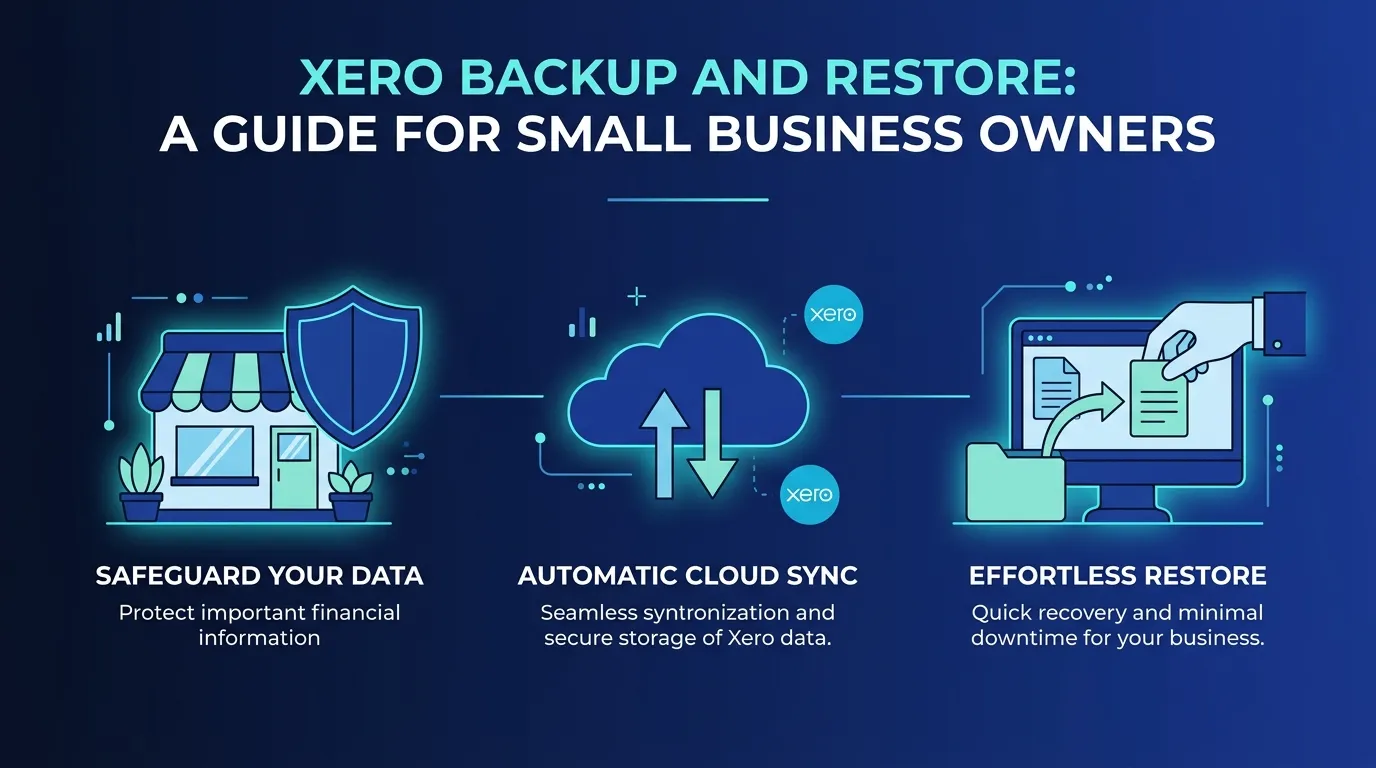
You trust Xero with your business finances. Invoices, bills, contacts, payroll journals, fixed assets. It all lives in the cloud, and the cloud is safe, right?
Well, partly. Xero does a great job keeping its platform running. Servers stay online, software gets updated, and your data is encrypted. But here is the part most small business owners miss: Xero does not offer point-in-time restoration of your actual accounting data. If someone on your team accidentally deletes last quarter's invoices, or a bulk import goes sideways and overwrites your chart of accounts, Xero cannot roll things back for you.
That gap is exactly where a dedicated Xero backup solution fits in.
What Xero Protects (and What It Doesn't)
Xero operates on a "shared responsibility model." Xero handles platform infrastructure, uptime, and security patches. You are responsible for protecting the data you put into Xero, including being able to recover it if something goes wrong.
Common scenarios where businesses lose Xero data include:
- A bookkeeper accidentally deletes or overwrites transactions during cleanup
- A disgruntled employee makes bulk changes before leaving
- A bad CSV import corrupts your contact list or chart of accounts
- An app integration pushes incorrect journal entries across your organisation
None of these are Xero's fault. And none of them are things Xero can undo for you.
Why "Exporting to Excel" Is Not a Real Backup
Some business owners figure they can just export their Xero data to a spreadsheet every now and then. That is better than nothing, but it falls short in a few important ways.
First, a spreadsheet export is a snapshot of some of your data, not all of it. You would need to manually export invoices, bills, contacts, journals, fixed assets, tax rates, and attachments separately. Most people do not do that.
Second, even if you did export everything, you cannot import it all back into Xero in a usable way. A pile of spreadsheets is not the same as a working Xero organisation with all the links between records intact.
Third, manual exports depend on someone remembering to do them. When things get busy (and they always get busy), backups slip. The one time you actually need a backup is usually the time you forgot to make one.
A proper Xero backup solution automates the whole process and stores a complete copy of your data that can actually be restored.
What a Full Xero Backup Looks Like
A complete backup of your Xero data should capture everything you would need to rebuild your organisation from scratch. That includes invoices, bills, credit notes, contacts, manual journals, bank transactions, fixed assets, your chart of accounts, tax rates, and file attachments.
There are a couple of things worth knowing about Xero's API (the technical connection that backup tools use to access your data). Bank transfers cannot be backed up due to an API limitation. And if you ever need to Xero data restore, bank feeds will need to be manually reconnected to your new organisation. These are minor inconveniences, not dealbreakers, but you should be aware of them.
How WOW Backup and Restore Works
WOW Backup and Restore, built by Wowzer Technologies in Surrey, BC, is a Xero backup and recovery solution designed specifically for small businesses and their accountants.
Here is how it works in plain language.
Automated daily backups. Once you connect your Xero organisation through OAuth (a secure login method where WOW never sees your Xero password), your data gets backed up every day without you lifting a finger. No spreadsheets to export, no reminders to set.
Your data stays in your region. WOW stores backups on regional AWS servers in Australia, Canada, or the United States. Your data does not leave the region you choose. Two-factor authentication is mandatory on every account.
Flexible retention. By default, WOW keeps a rolling 7-day window of backups. If you want more history, you can extend that to 30, 60, or 90 days. This means if you discover a problem that happened two weeks ago, you can still go back and recover from a clean backup.
Restores go to a new organisation. This is an important safety feature. When you need to restore data, WOW creates it in a brand-new Xero organisation. It never overwrites your live data. You can review the restored data, confirm everything looks right, and then decide how to proceed. A typical restore takes 1 to 3 hours.
What It Costs
WOW Backup and Restore keeps pricing simple and predictable.
WOW Connect costs $9.95 USD per month for each active Xero organisation. This covers automated daily backups with your chosen retention period. Your first two active organisations are free indefinitely, which is a genuine perk for small businesses that run more than one entity.
WOW Vault costs $2.49 USD per month for inactive organisations. If you have a Xero org you are not actively using but want to keep backed up in cold storage, this is a low-cost way to hang onto that data.
WOW Restore costs $149.95 USD as a one-time fee per restore file. You only pay when you actually need to recover data.
There is also a free trial: one month of backup per organisation, plus one free restore coupon so you can test the full process before committing.
Who Needs This?
If you are a small business owner who relies on Xero for your accounting, you need a backup plan. Full stop.
You especially need one if any of the following apply to you:
- Multiple people have access to your Xero organisation
- You use third-party apps that sync data with Xero
- You rely on a bookkeeper or accountant who makes regular changes
- Your business would be in serious trouble if you lost your financial records
Imagine trying to recreate six months of invoices and bills from memory. Or explaining to your accountant at tax time that your records are gone. A Xero backup and disaster recovery plan is not about being paranoid. It is about being practical.
Getting Started
Setting up Xero backup with WOW takes about five minutes. Visit: wowbackupandrestore.com/contact, connect your Xero organisation through the secure OAuth process, and your first backup runs automatically. Remember, your first two active organisations are free, so there is no cost to try it out.
Your Xero data is one of your most valuable business assets. Protecting it should not be complicated, and with the right Xero backup software, it does not have to be.